Your Invisible AI Study Companion
Clueme is an unobtrusive desktop assistant that helps you answer MCQ questions without being detected by screen capture software.

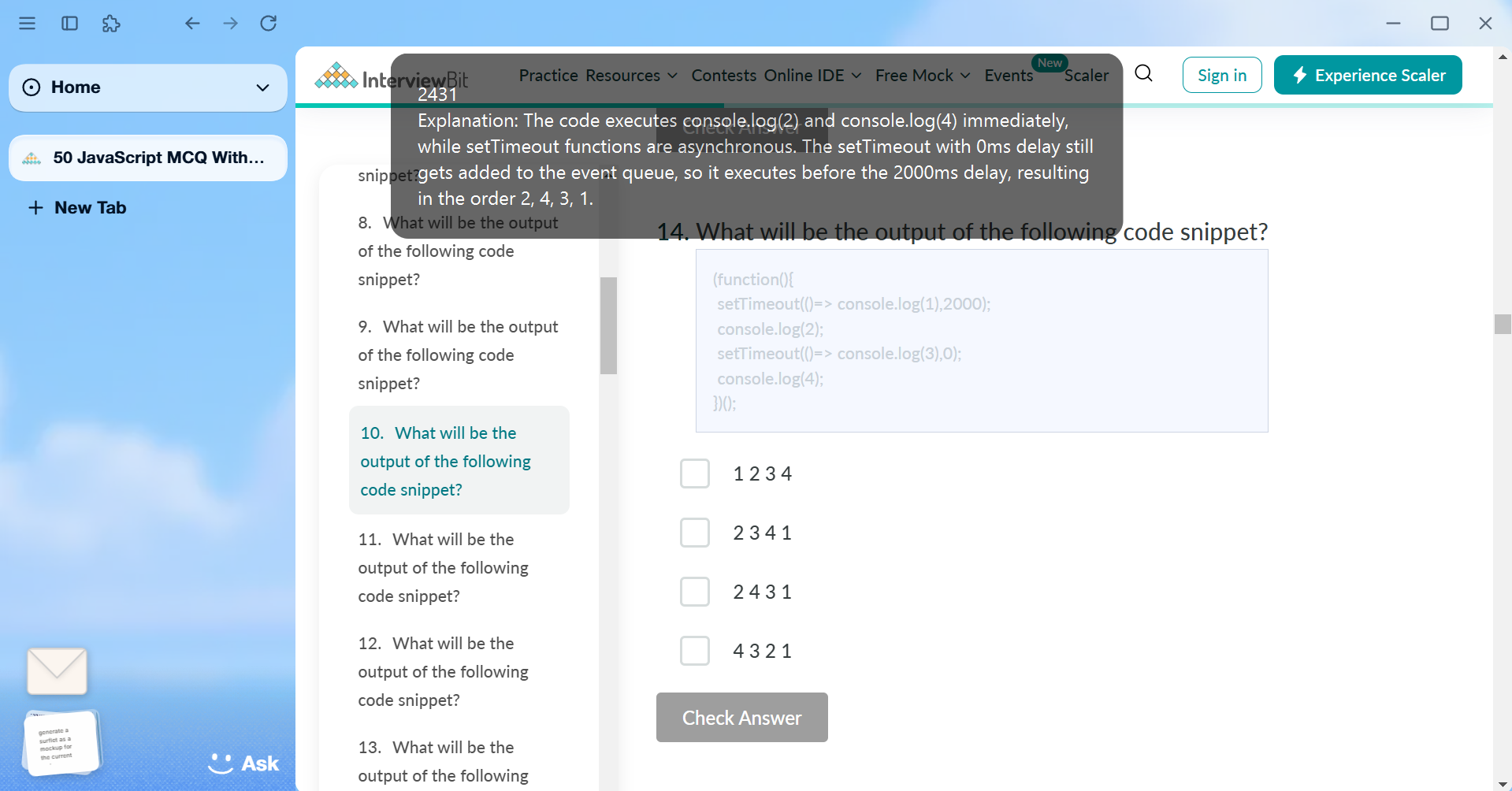
Don't even ask me how I got that screenshot 🤣
Key Features
Clueme is designed to be your invisible study companion with powerful features
Work seamlessly without any disruption to your workflow or mouse movements.
Get assistance during online exams or meetings without being detected.
Press Alt+Enter to scan your screen for MCQ questions and get immediate assistance.
Clueme doesn't just give you the answer—it helps you understand the reasoning behind it, enhancing your learning experience.
How It Works
Using Clueme is simple and intuitive
Install Clueme
Download and install the application from GitHub or our website.
Press Hotkey
When you encounter an MCQ, press Alt+Enter to activate Clueme.
Get Answers
Clueme identifies the question and provides the answer with a detailed explanation.
Pricing
Knowledge should be accessible to everyone
Forever Free & Open Source
Clueme is and will always be completely free.
- All features included
- Open source code
- Community support
- Regular updates
Forever Free & Open Source
You will have to provide your own API keys and models though.
Contributions to the project are always welcome!
Join Our Open Source Community
Clueme is built by the community, for the community. Contribute to make it even better!